RESTAURANT POS
Run your restaurant smoothly with SparkPOS.
Take orders, manage tables and keep your kitchen in sync — all from one easy POS system.
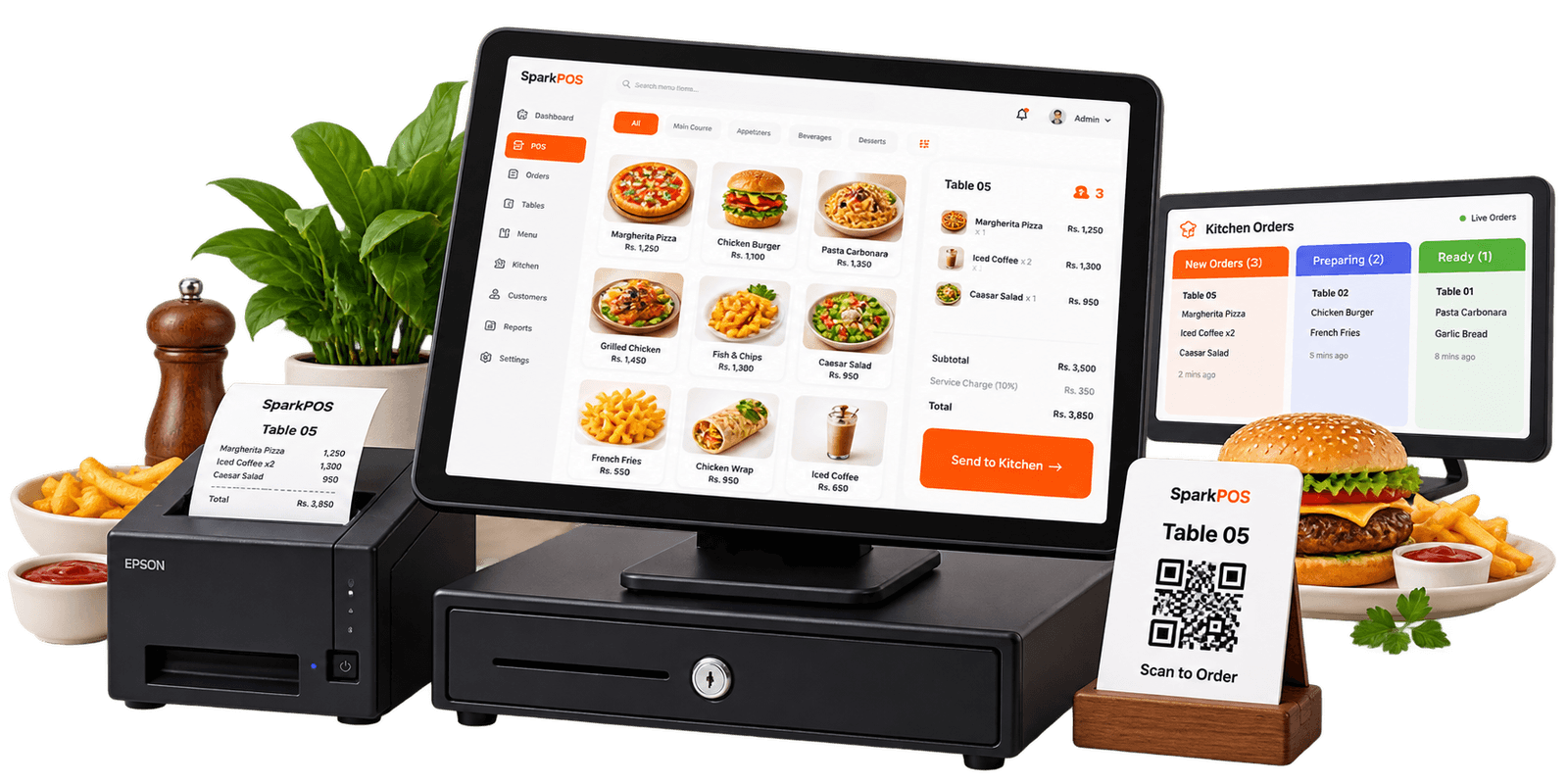
- Faster order taking Tap the menu and send the order in seconds.
- Kitchen coordination Every ticket reaches the kitchen in order.
- Accurate billing Split bills and take cash, card or QR.
- Works offline Keep serving when the internet drops.
RESTAURANT FEATURES
Everything your restaurant needs in one place.
From table service to kitchen and daily operations, SparkPOS keeps the whole floor moving.
- Table & takeaway orders Manage dine-in, takeaway and delivery orders from one screen.
- Kitchen order workflow Send orders to the kitchen and keep every ticket moving.
- Split bills & payments Split bills instantly and take cash, card, QR or cheque.
- Menu & modifiers Update dishes, add-ons and prices with a tap.
FOR THE WHOLE TEAM
A better experience for your whole team.
From front of house to kitchen, everyone stays connected with SparkPOS.
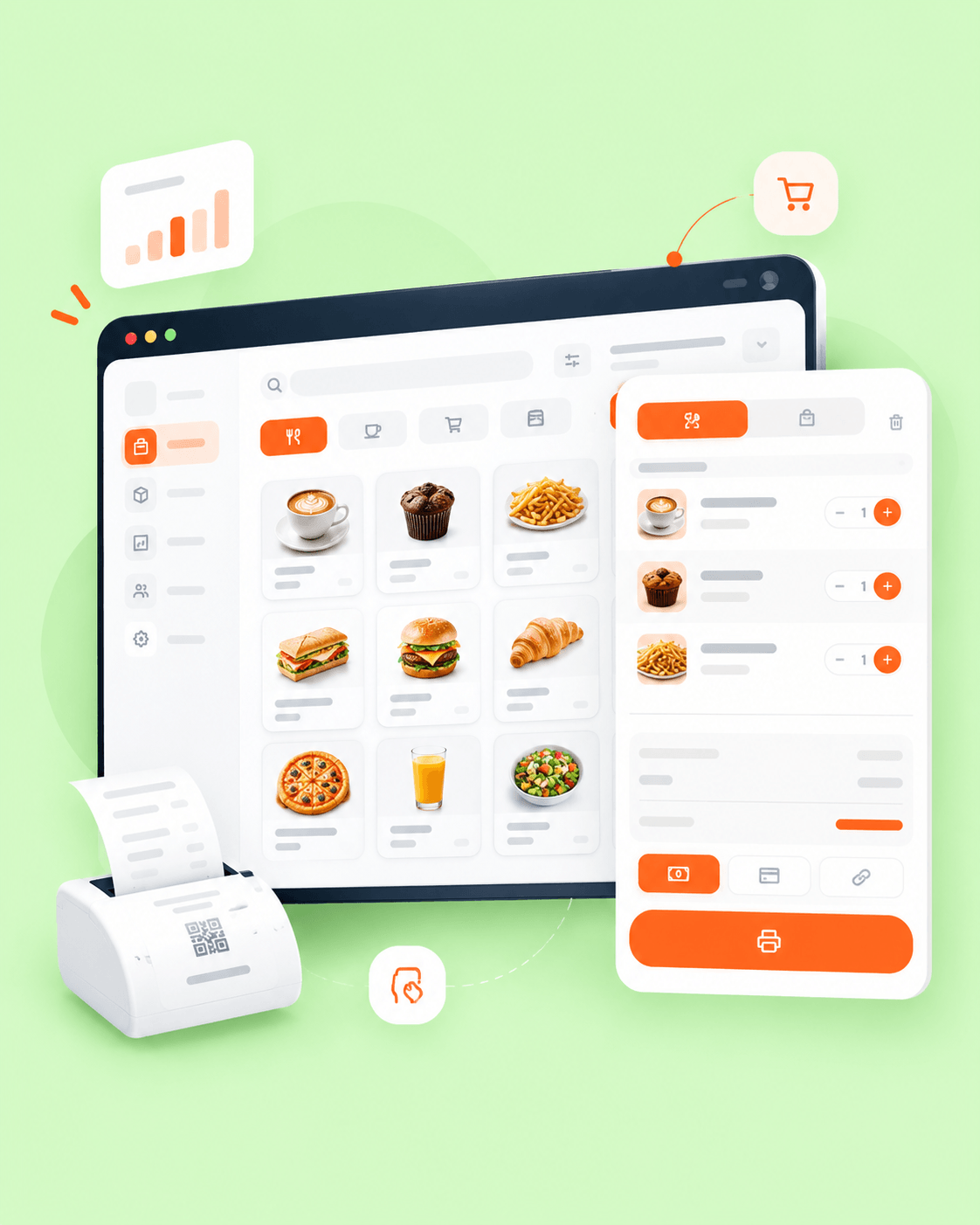
- Serve customers faster Take orders quickly and keep tables moving.
- Keep the kitchen in sync Send tickets instantly and cut prep confusion.
- Understand your sales See what is selling and make better daily decisions.
DAILY SERVICE
Less time managing. More time serving.
Bring tables, payments and reports together with SparkPOS.
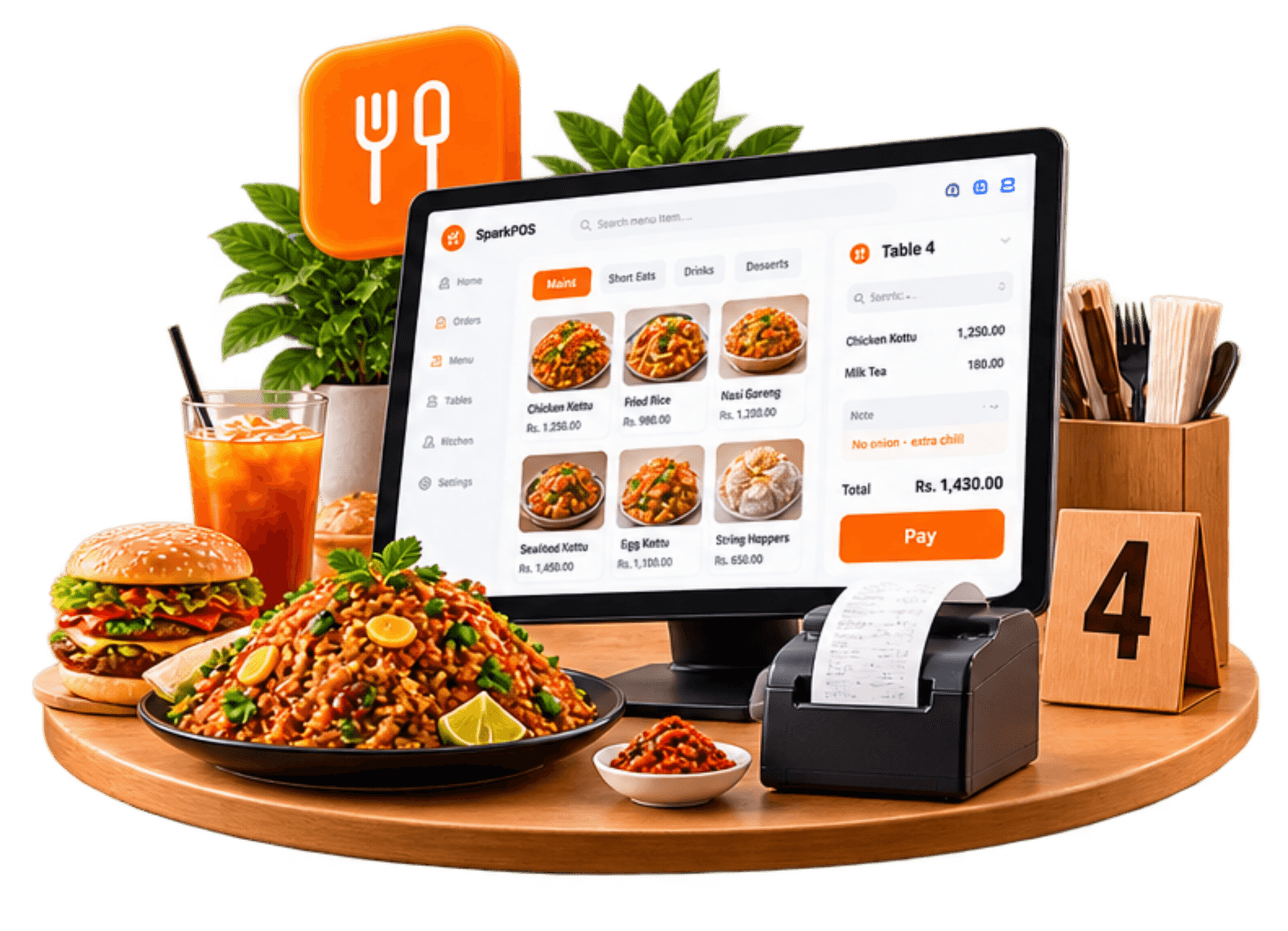
- Manage dine-in and takeaway from one screen
- See daily sales at a glance
- Amend the menu without waiting on anyone
- Keep billing going offline
GET STARTED
Get started in 3 simple steps.
Set up your menu, start taking orders and review how the restaurant is doing.
-
01
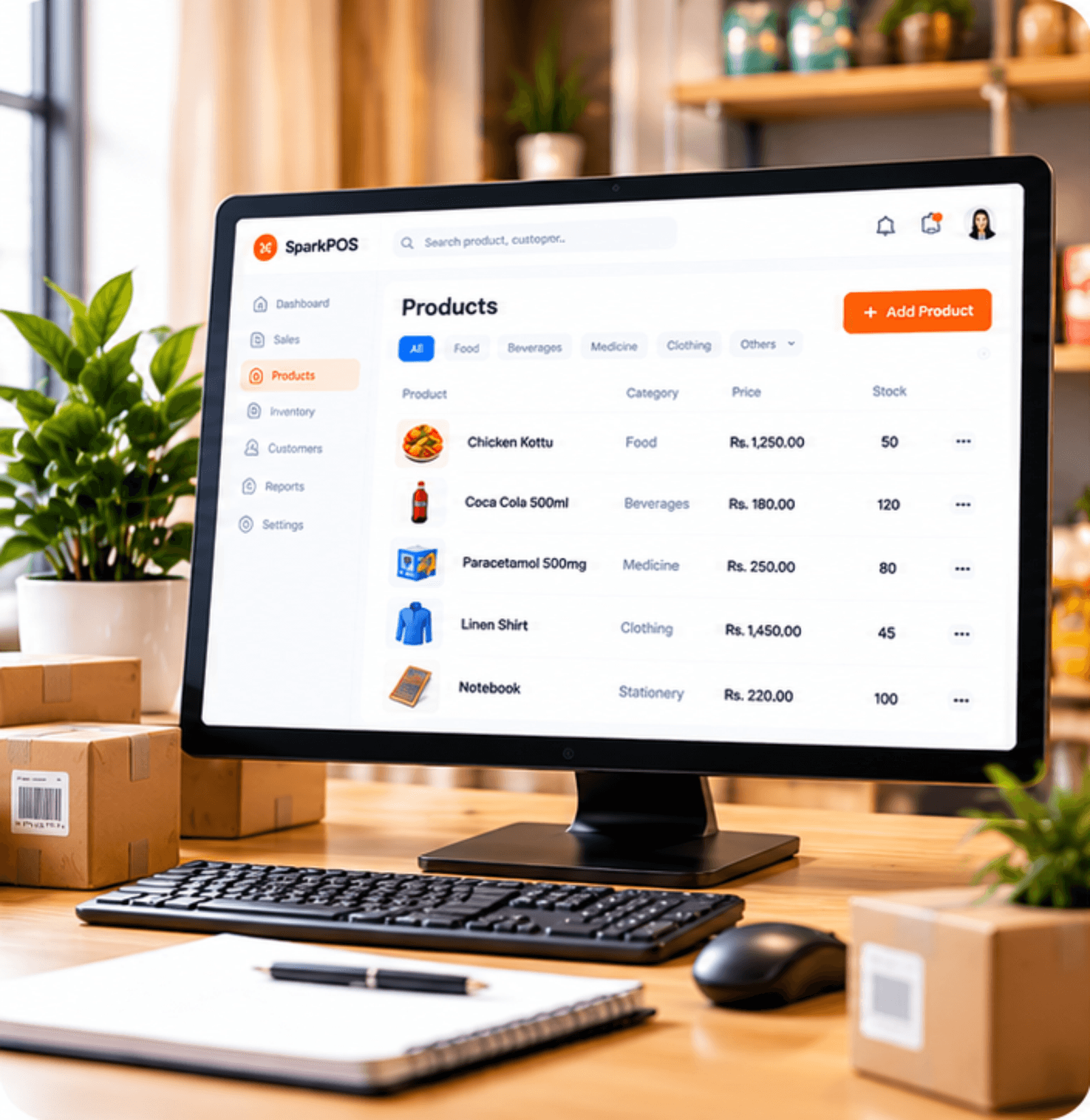
Set up your menu
Add dishes, prices, photos and add-ons.
-
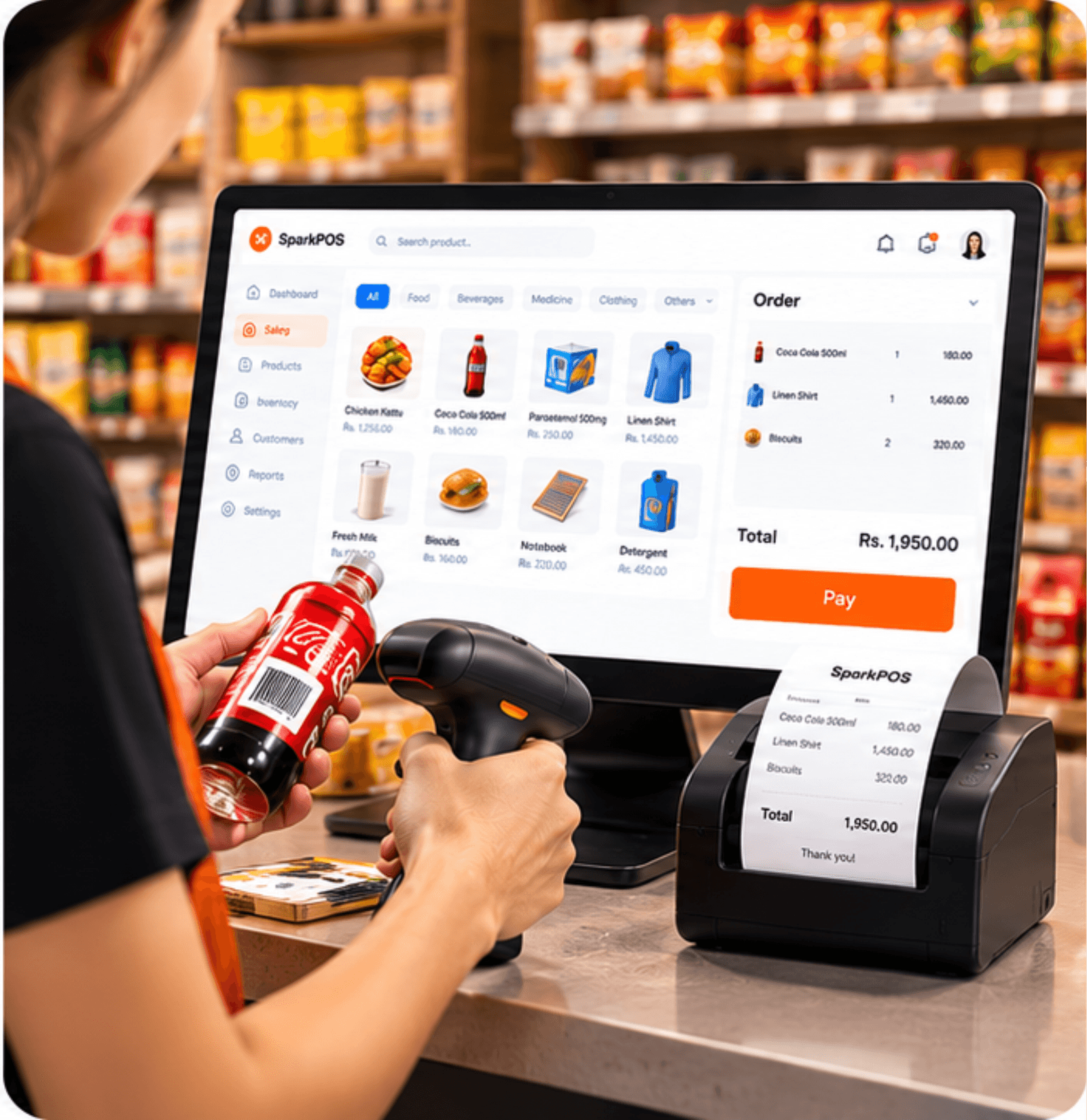
02
Start taking orders
Bill tables and takeaways from day one.
-

03
Track and improve
See sales, top items and busy hours.
RESTAURANT WORKFLOW
Designed for your restaurant workflow.
SparkPOS is built around the parts of service that keep a restaurant moving.
- Table management Open tickets for every table and switch with one tap.
- Takeaway orders Keep counter and delivery orders in their own queue.
- Kitchen display A live kitchen queue so tickets do not get lost.
- Split payments Split a bill and take more than one payment method.
- Stock tracking Watch what is running low after a busy service.
- Sales and profit reports See daily sales, top dishes and profit in one place.
FAQ
Restaurant POS questions, answered.
Answers to the questions restaurant and café owners ask before they start.
Can I send orders to the kitchen instantly?
Yes. Every order lands in a live kitchen queue until it is marked done.
Can I take dine-in and takeaway together?
Yes. Each table or takeaway has its own open ticket, so you can switch with one tap.
Does SparkPOS work without an internet connection?
Yes. You can keep billing when the internet drops. Saved bills sync when the connection returns.
Can I change menu items and prices myself?
Yes. Update dishes, photos, add-ons and prices from the Menu page.
Can I add a service charge?
Yes. Turn it on in Settings and set the percentage.
Can I split bills?
Yes. Split a bill and take cash, card, QR or more than one payment on the same ticket.
READY TO GET STARTED?
Ready to make restaurant service simpler?
Book a free demo and see how SparkPOS fits your restaurant.